
How to report losing all your Street View contributions
Google sometimes deactivates your street view accounts by mistake. It has an algorithm that looks for unusual activity and sometimes that script deactivates wrong accounts. When your account is deactivated, Streetview will show "no Image" and "no views" on your contributions, and GoThru publishing status will show all images are map rejected.
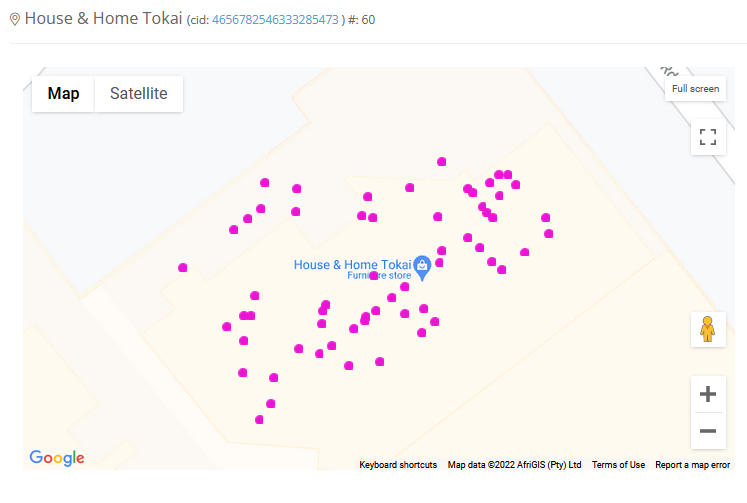
If you experience something like the above, you can follow the steps below to get your contributions back.
1. Go to the Google Account Help


Note that Google does not give access to all trusted photographers to the help center.
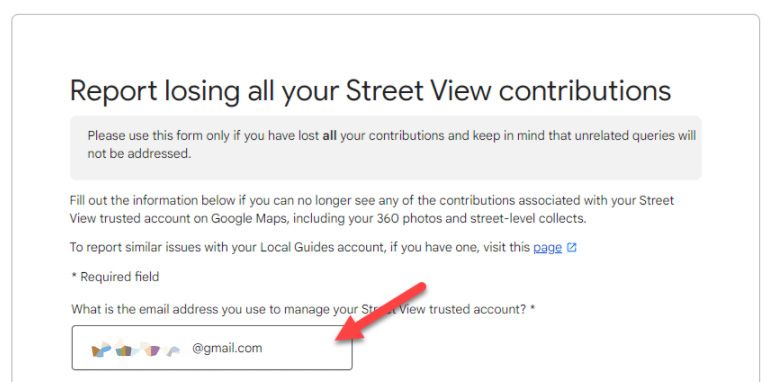
2. You will get the report form that looks like this. Fill in the form.
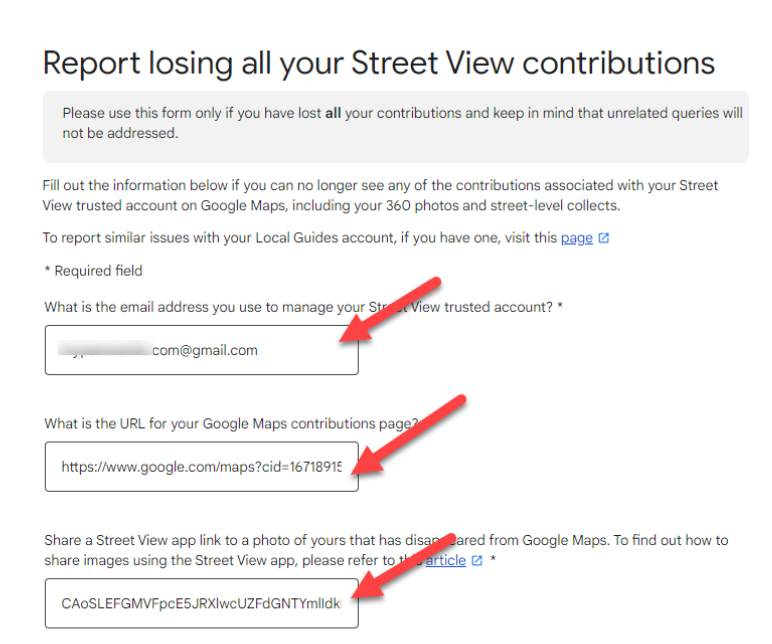
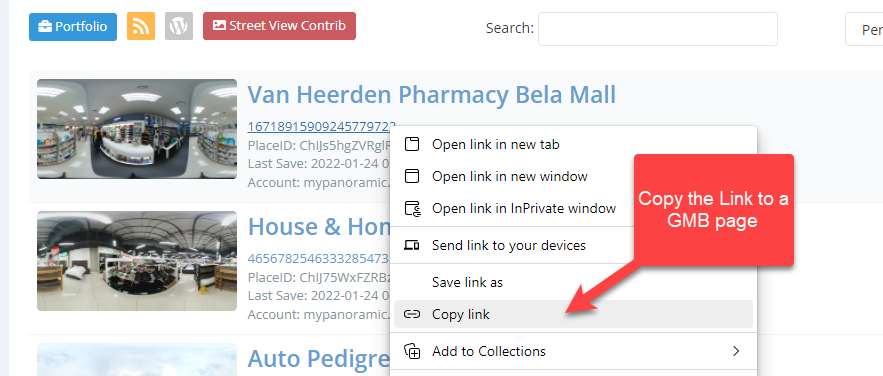
3. You need to include the URL of your contribution. On GoThru, go to Constellation manager, right-click on a tour CID then copy link.
4. The form is also asking you to include a PanoID from a GMB tour. On GoThru, go to Edit then open up pano info from pano thumbs.

It might take 2-3 business days for Google to review your account and re-activate it. Once Google recovered the account, it will add all of your contributions back and all of the tours that are declined will be recovered.